NEEV Docs
Receive, check, convert and deliver clinical messages, and see every step.
How it works
One path for every message, and one place to see it.
Receive
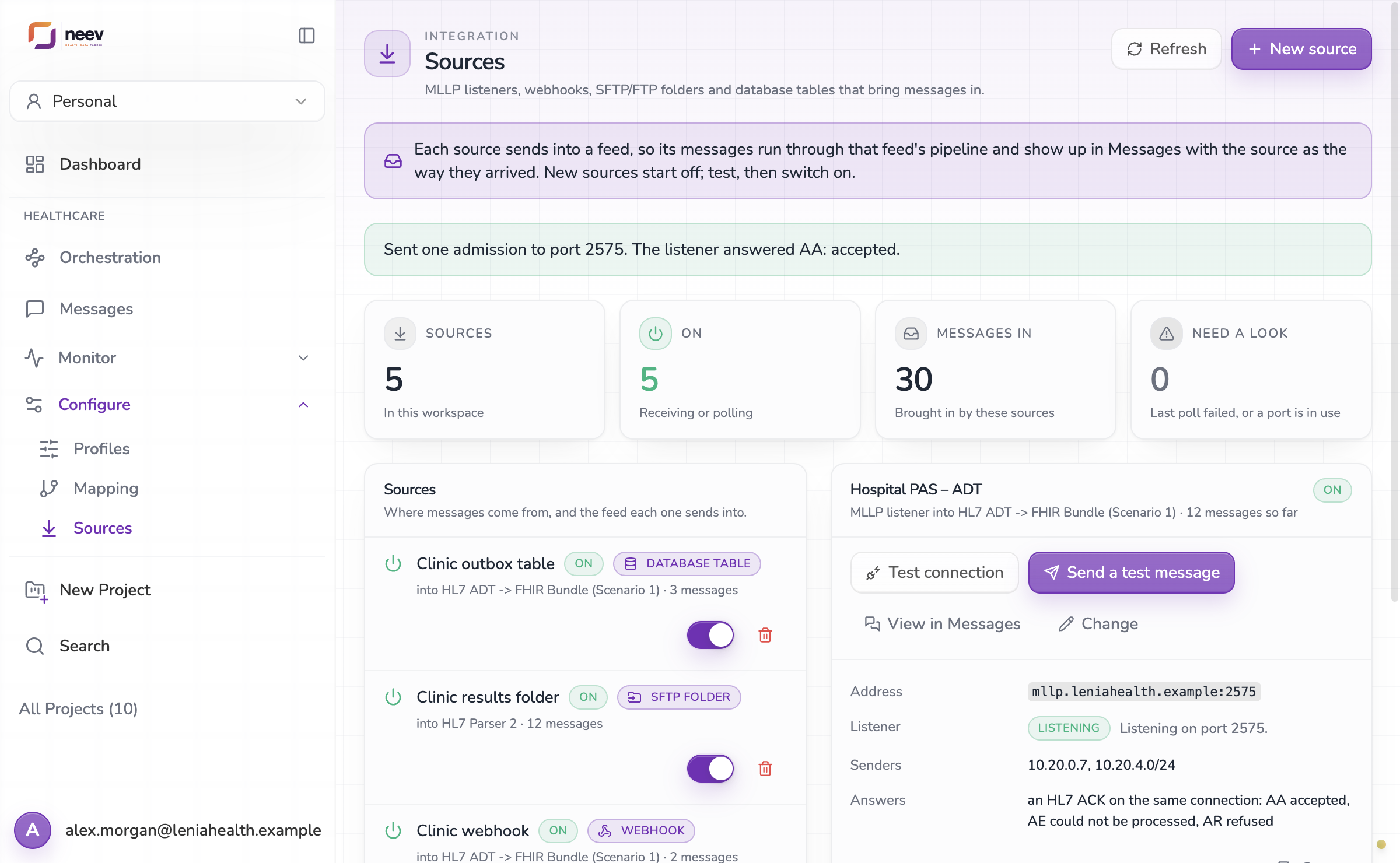
Clinic systems send HL7 over MLLP or HTTP, post to a webhook, drop files on SFTP or FTP, or write rows to a table. Each message is acknowledged and stored.
Check and convert
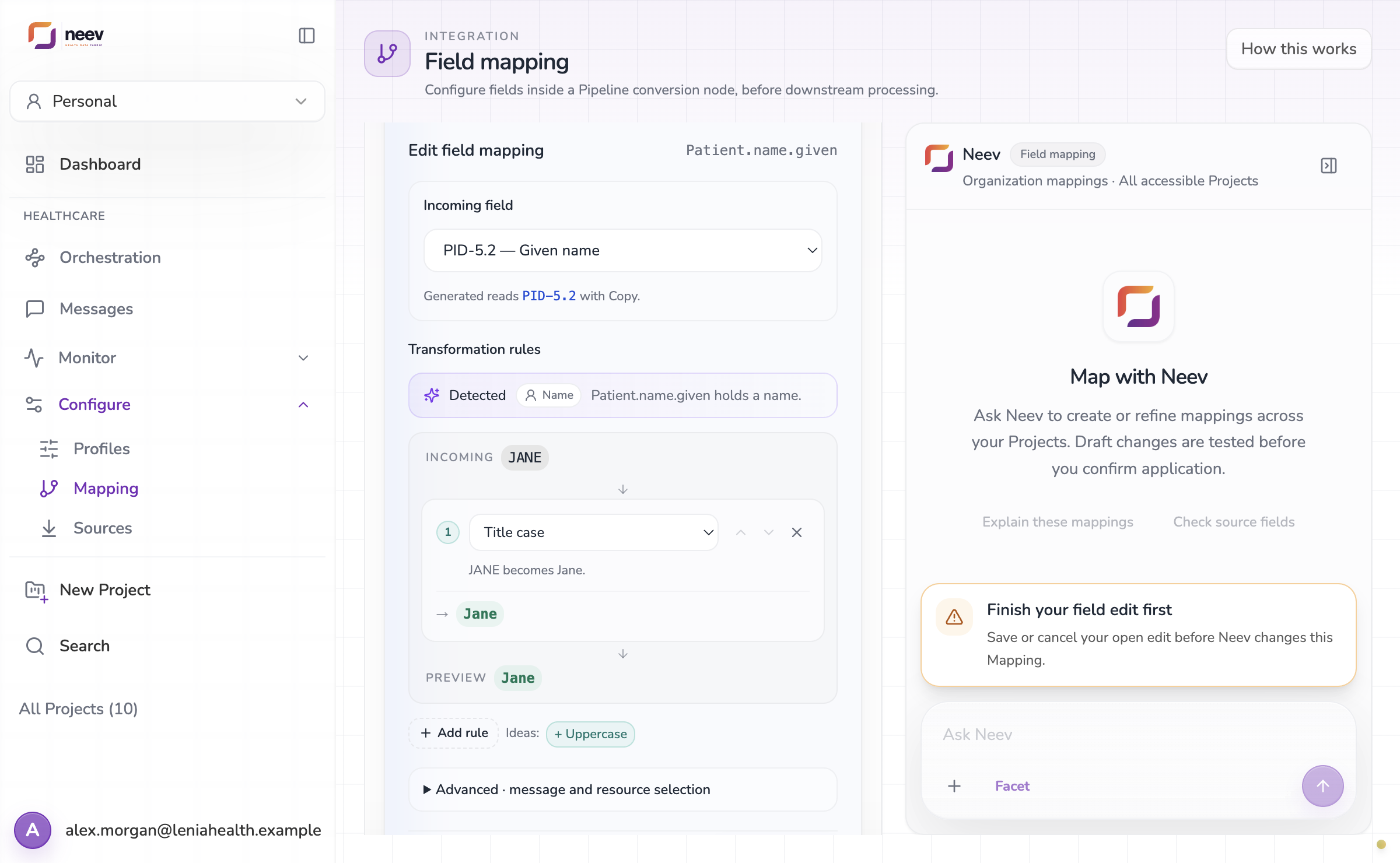
The feed’s pipeline validates the message and converts it, for example HL7 ADT to a FHIR Bundle, using the mapping you control.
Deliver and watch
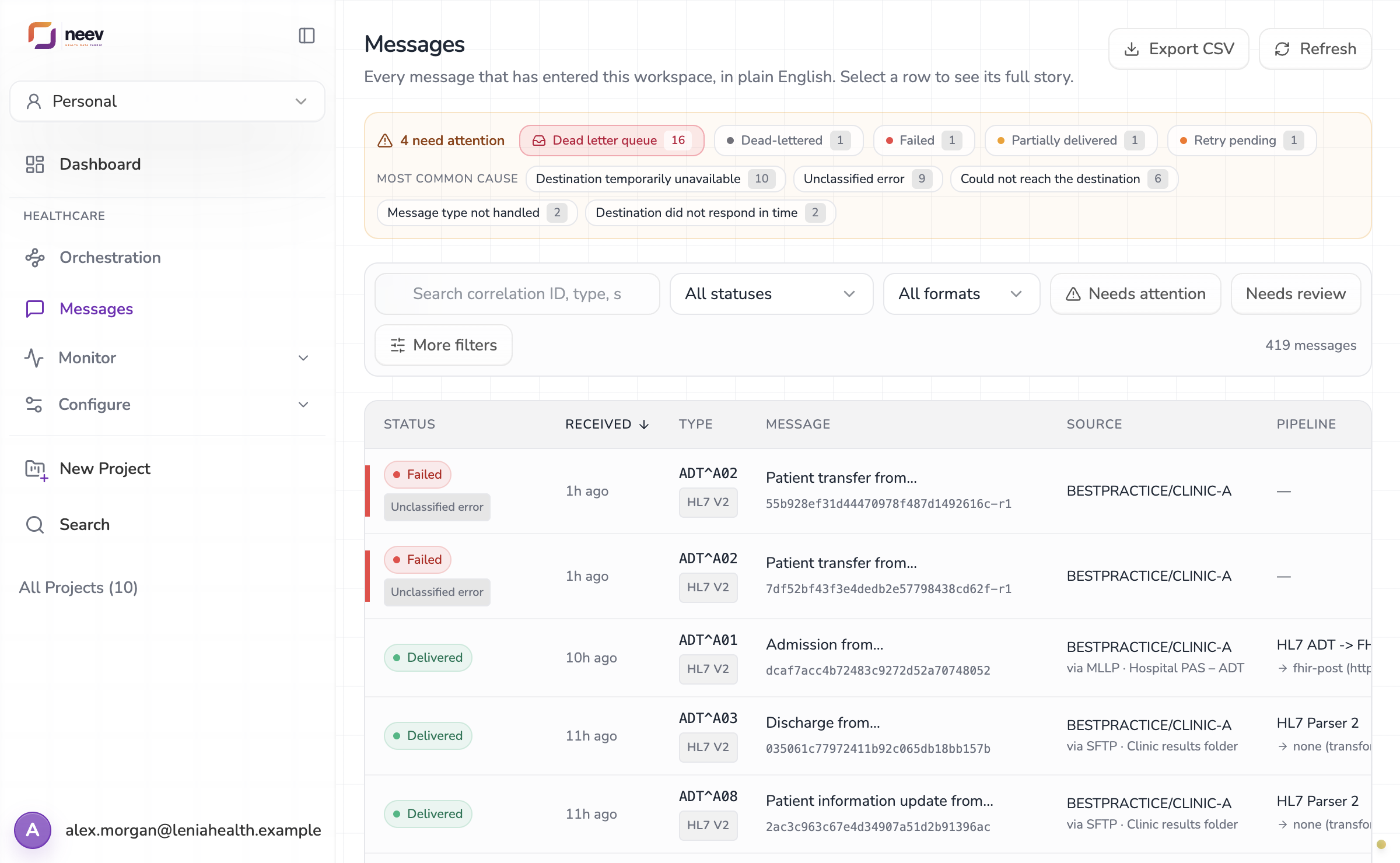
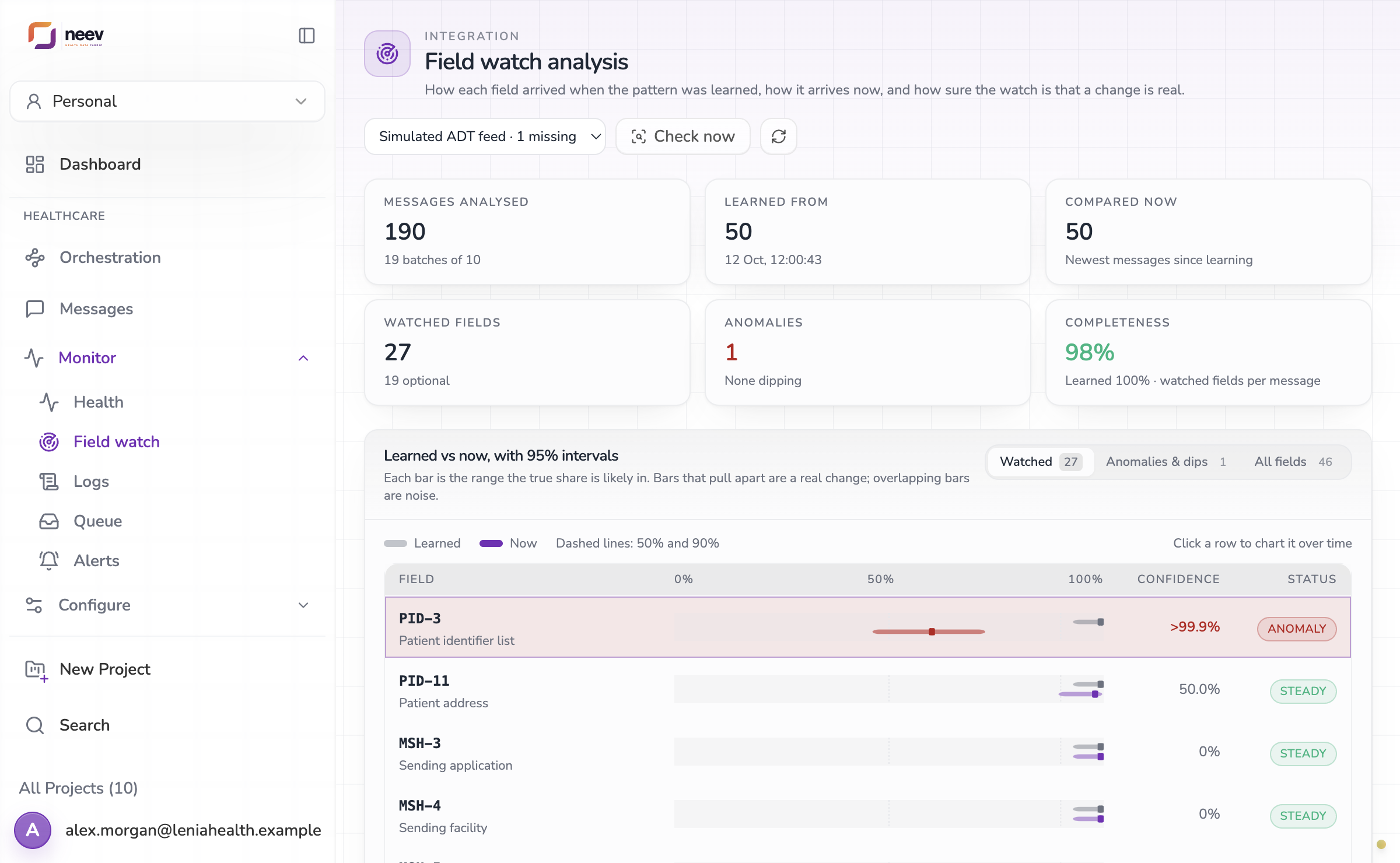
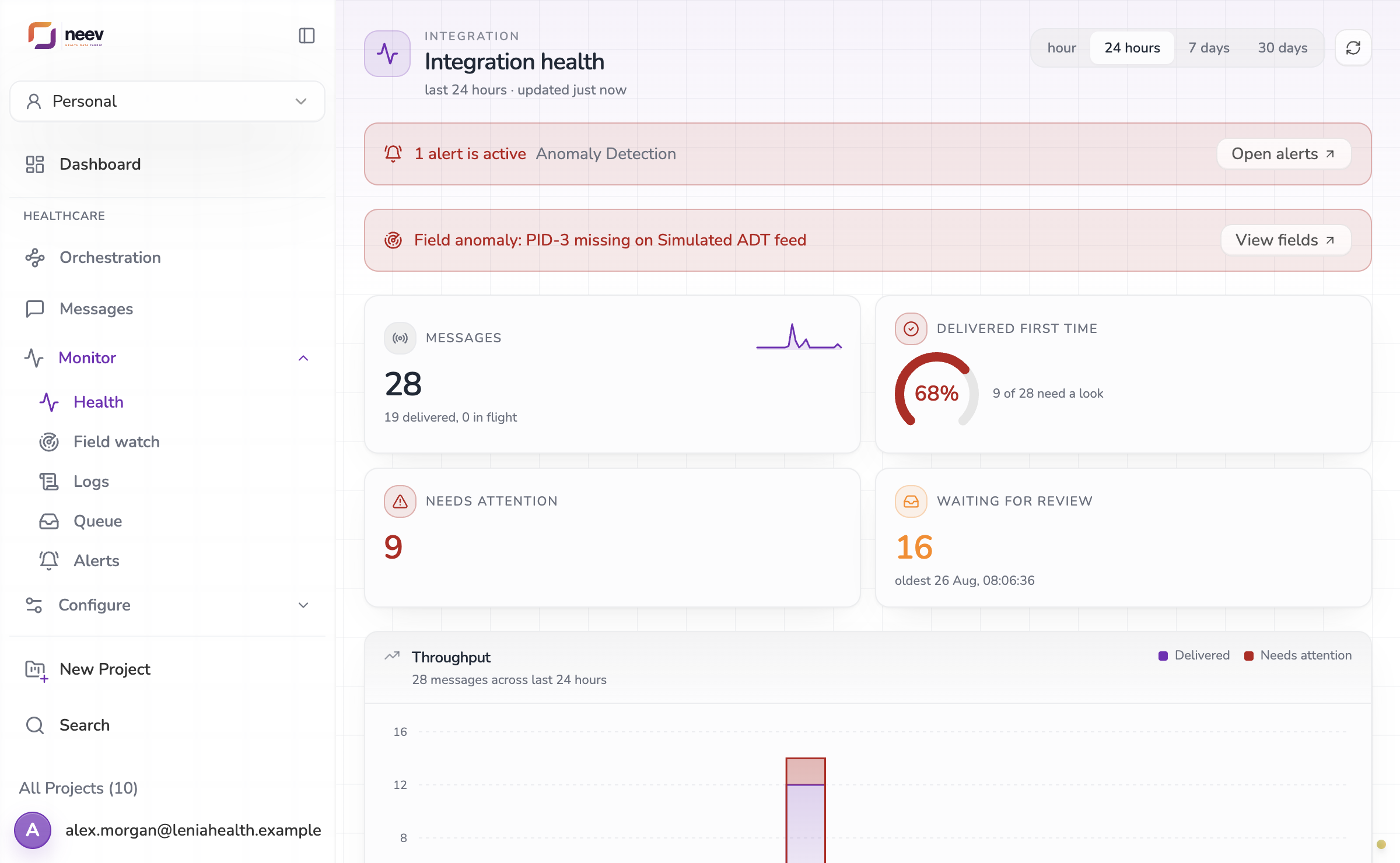
Messages go to their destinations with retries. Health, field watch and alerts show when anything changes, and the queue holds what needs a person.
Start here
Where most teams begin.
Connect a sender
Bring messages in over MLLP, a webhook, an SFTP or FTP folder, or a database table.
Design the route
Route each feed to the right Project and destination, test it end to end, then save it to go live.
Change the mapping
Edit how HL7 fields become FHIR, test the draft, promote it and roll back if needed.
Find a message
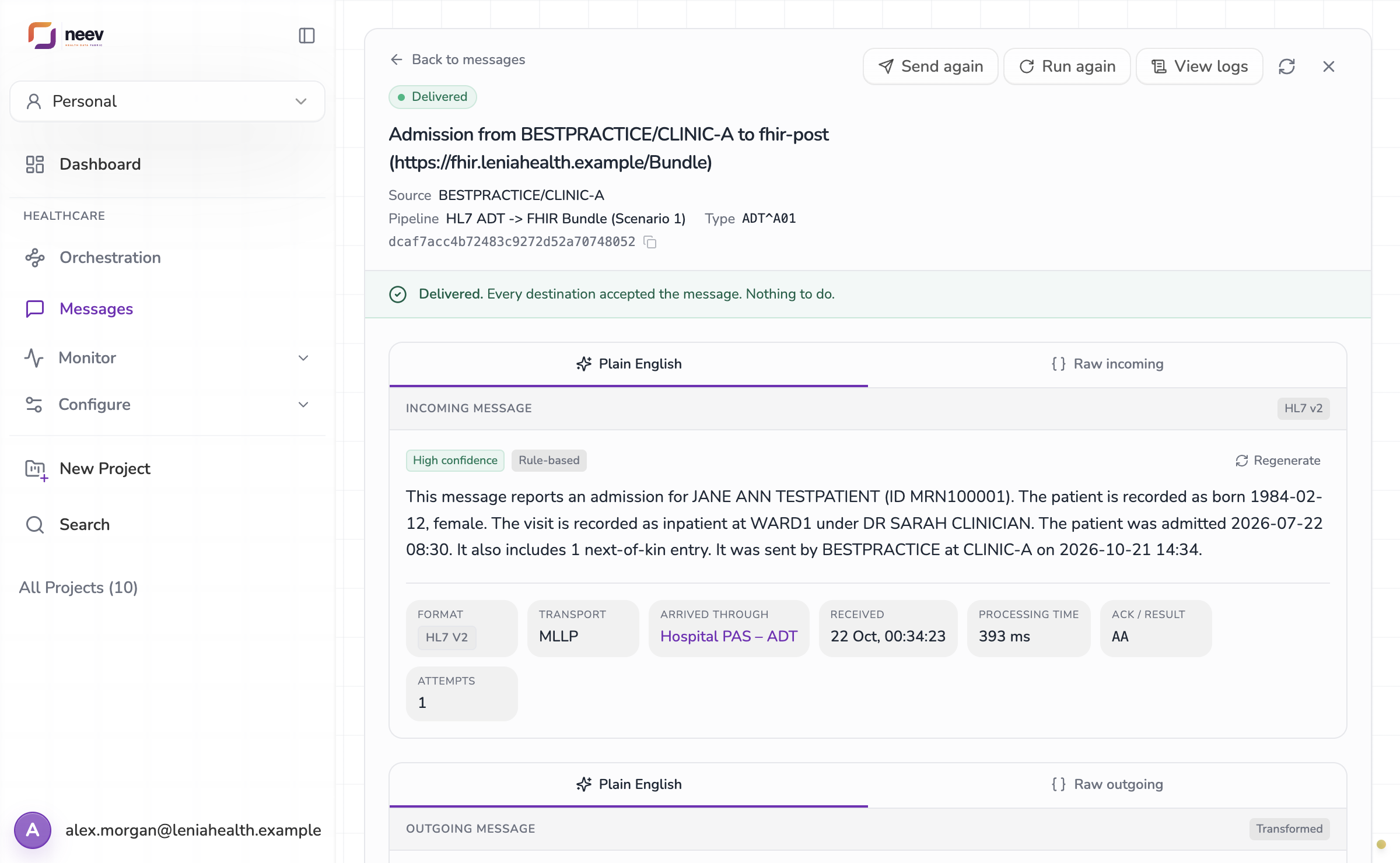
See every message in plain English: where it came from, what it became and where it went.
Watch the feeds
Health, field watch and alerts tell you when traffic, delivery or a field changes.
Ask Neev
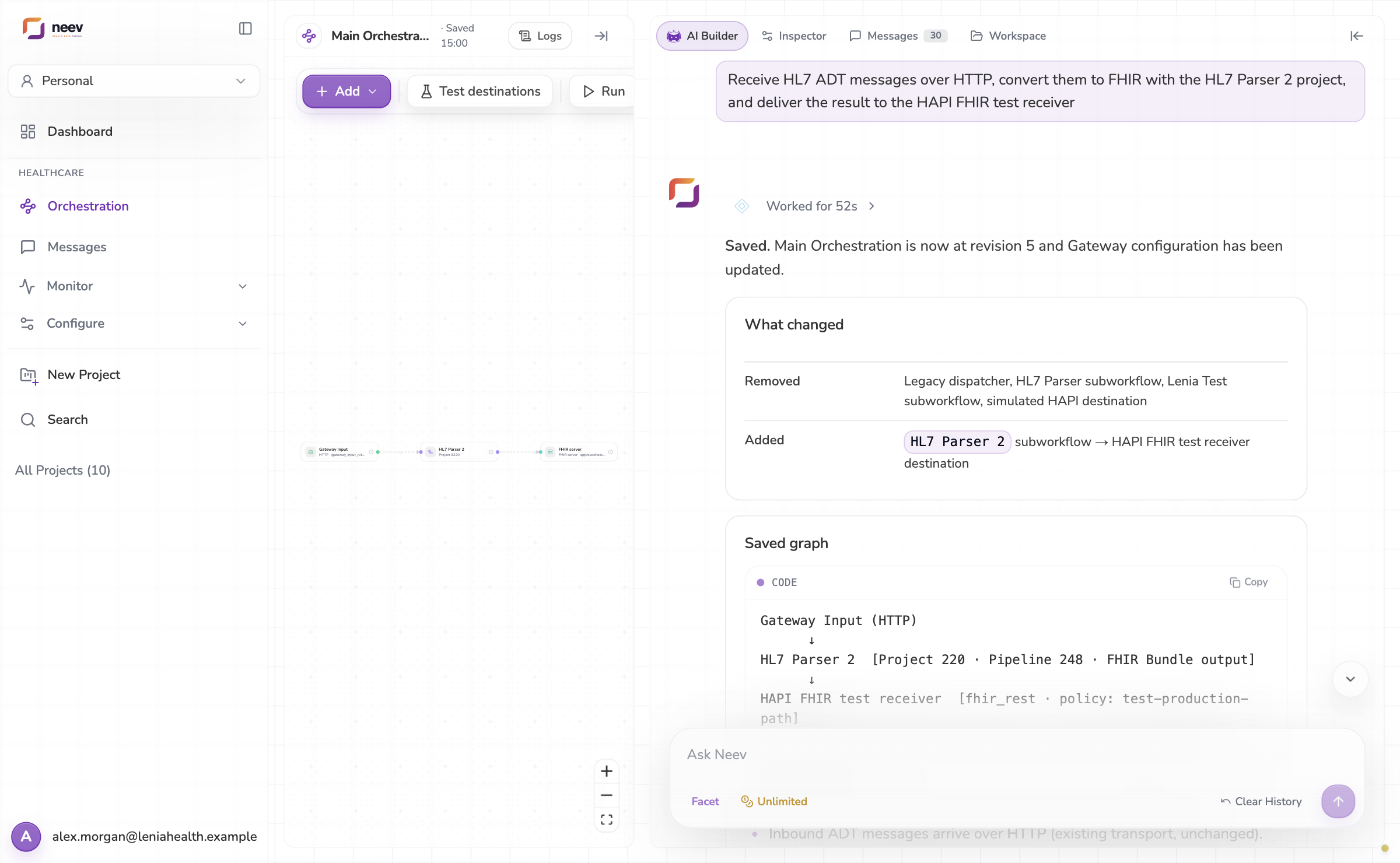
Describe a route or a conversion in a sentence and Neev builds it, then shows what changed.