Find your way around
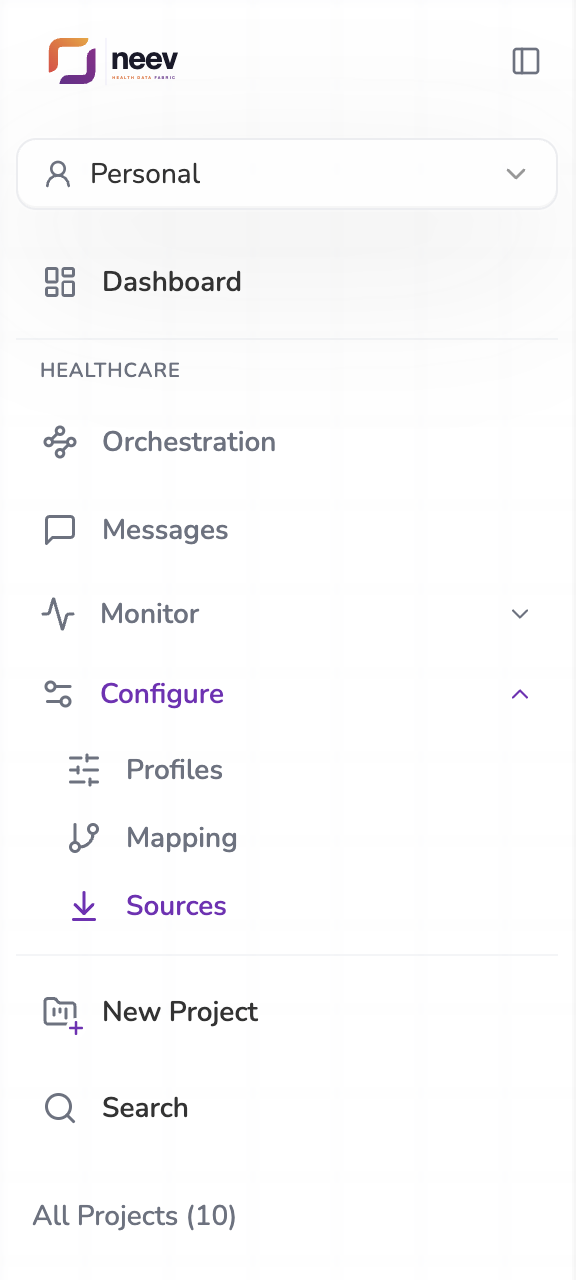
Everything for integration sits under Healthcare in the left sidebar. The two pages you use most, Orchestration and Messages, are always in view. The rest are grouped under Monitor and Configure; select a group to open it. One group is open at a time, and the group of the page you are on opens by itself.
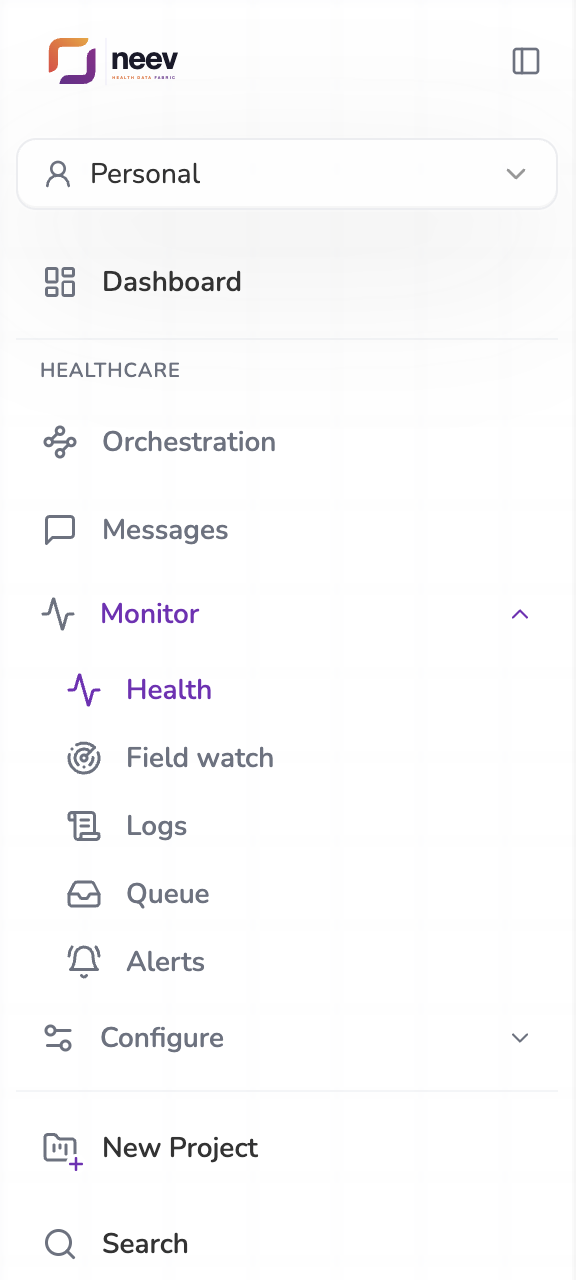
Always in view
| Page | What it is for |
|---|---|
| Orchestration | Lay out how messages are routed: which feed goes to which pipeline and which destination. See Orchestration. |
| Messages | Every message, in plain English, with what came in, what went out and every delivery attempt. See Messages. |
Monitor
| Page | What it is for |
|---|---|
| Health | Traffic, delivery rate, timing and destinations over the last hour, day, week or month. See Health. |
| Field watch | The evidence behind each field anomaly, field by field. See Field watch. |
| Logs | Everything the platform did, newest first, without message content. See Logs. |
| Queue | Messages the platform stopped trying to deliver, waiting for someone to send them again or close them. See Queue. |
| Alerts | Rules that email people when something needs attention, and the history of what fired. See Alerts. |
Configure
| Page | What it is for |
|---|---|
| Profiles | Organisation settings used by conversions, such as outbound HL7 headers or terminology. See Profiles. |
| Mapping | Decide how incoming fields become outgoing ones, test changes and make them live. See Mapping. |
| Sources | Add the systems that send to you: MLLP listeners, webhooks, SFTP and FTP folders, database tables. See Sources. |
Below the groups, New Project creates a Project, the pipeline that converts one kind of message, for example HL7 ADT to FHIR. See Ask Neev.
On the Orchestration page, the Mapping page and in every Project, Ask Neev builds and explains things for you from a sentence. See Ask Neev.
Select the panel button at the top of the sidebar to fold it to icons. The Monitor and Configure pages are then under one Monitor & configure icon.
Moving between pages
Most pages link to each other where it helps:
- A source's View in Messages opens Messages filtered to that source's way in.
- A message's View logs opens Logs filtered to that message.
- A log event's Open message opens the message.
- The Health banners open Alerts or the field watch for the affected feed.
Page addresses carry their filters, for example
/integration/field-watch?feed=…. Copy the address to share exactly what you
are looking at with a colleague.